Menu
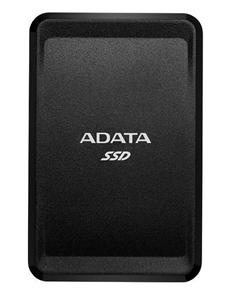
ADATA ASC685-250GU32G2-CBK SC685 250GB External Solid State Drive
$ 56.03
Description ADATA ASC685-250GU32G2-CBK SC685 250GB External Solid State Drive With a compact and slim form factor, the ADATA SC685 external solid state drive is as small as they come. Despite its portable size, it’s big on capacity and will transfer and backup your data in no time. Goes Where You Go The SC685 weighs only 35g and is as thin as a smartphone at 9.5mm thin. Its slim card-like form factor slips easily into your back pocket or bag for hassle-free mobility. Transfer Files Without the Wait The SC685 is up to 6.6 times faster than your typical external hard drive, giving you exceptionally speedy data transfers and backups. With this performance, you can transfer a 10GB 4K movie in just 20 seconds. USB-C – It’s Always the Right Way The SC685 utilizes a USB-C connector, which is reversible. There’s no annoying up or down like with traditional USB connectors. No guessing, just plug it in the first time, every time. Use Across Platforms and Devices Plug n’ play with Windows, Mac OS, and Android, and move content seamlessly between devices without limitations. Whether for work or enjoyment, the SC685 empowers you with simple connectivity. Also, you can use with game consoles for speeding up loading times. ( Please confirm that your host device supports OTG [On-The-Go] functionality. Some operating systems may require the SC685 to be reformatted when connected.) Specifications Dimensions (L x W x H) 84.7 x 54.8 x 9.5 mm Weight 35 g Interface USB 3.2 Gen 2 Type-C ( backward compatible with USB 2.0 ) Operating system requirements Windows 8 / 8.1 / 10 Mac OS X 10.6 or later Linux Kernel 2.6 or later Android 5.0 or later Op. Temperature 0°C to 35°C Op. Voltage DC 5V, 900mA Accessories USB 3.2 Type-C to C cable USB 3.2 Type-C to A cable Quick Start Guide Warranty Limited 3-year Note 1. Product includes USB-C to USB-C cable and USB-C to USB-A Cable. Connection to microUSB requires separate cable, not included. 2. Compatibility with specific host devices may vary and could be affected by system environment. 3. Connecting via USB 2.0 requires plugging in to two USB ports for sufficient power delivery. A USB Y-cable will be needed.
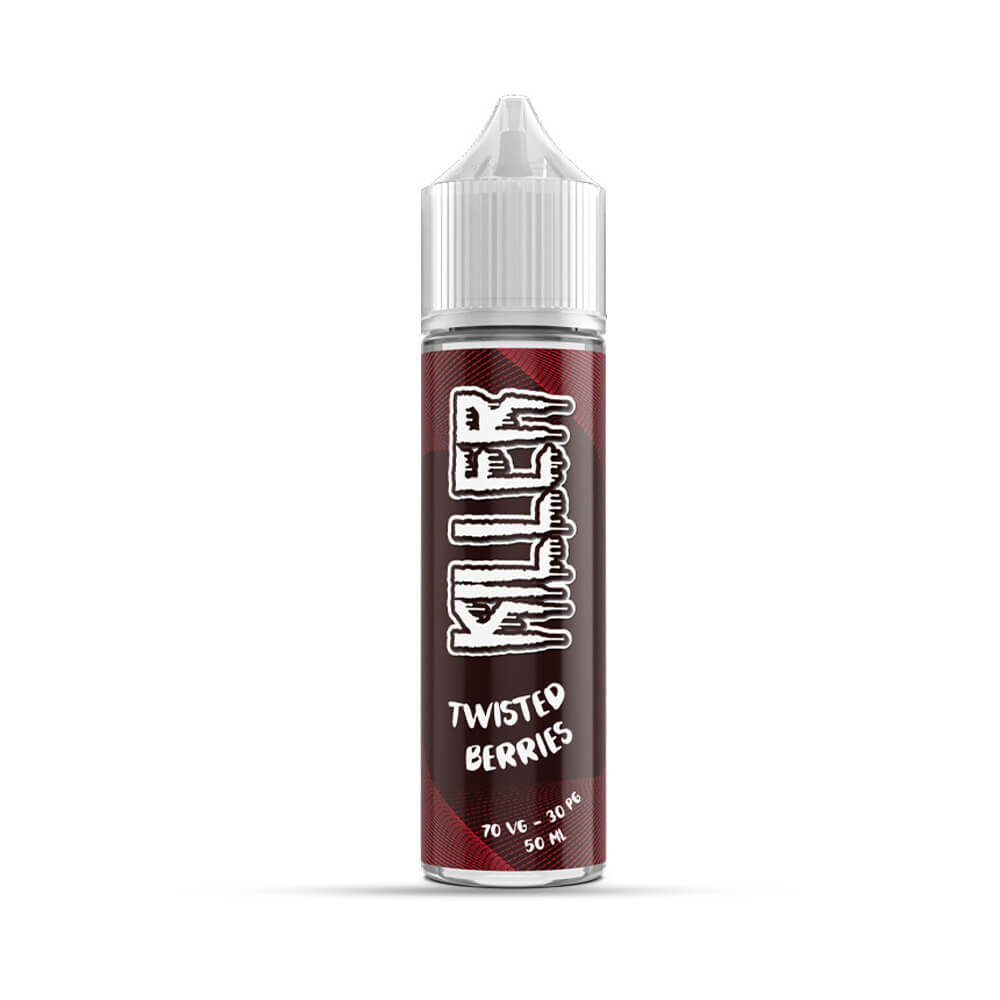 Twisted Berries 50ml Shortfill Eliquid by Killer
 Naked Tiger E-Liquid 60ml – 0mg (Pack of 3)
 Monster Milk 50ml Shortfill E Liquid by VG Vapour
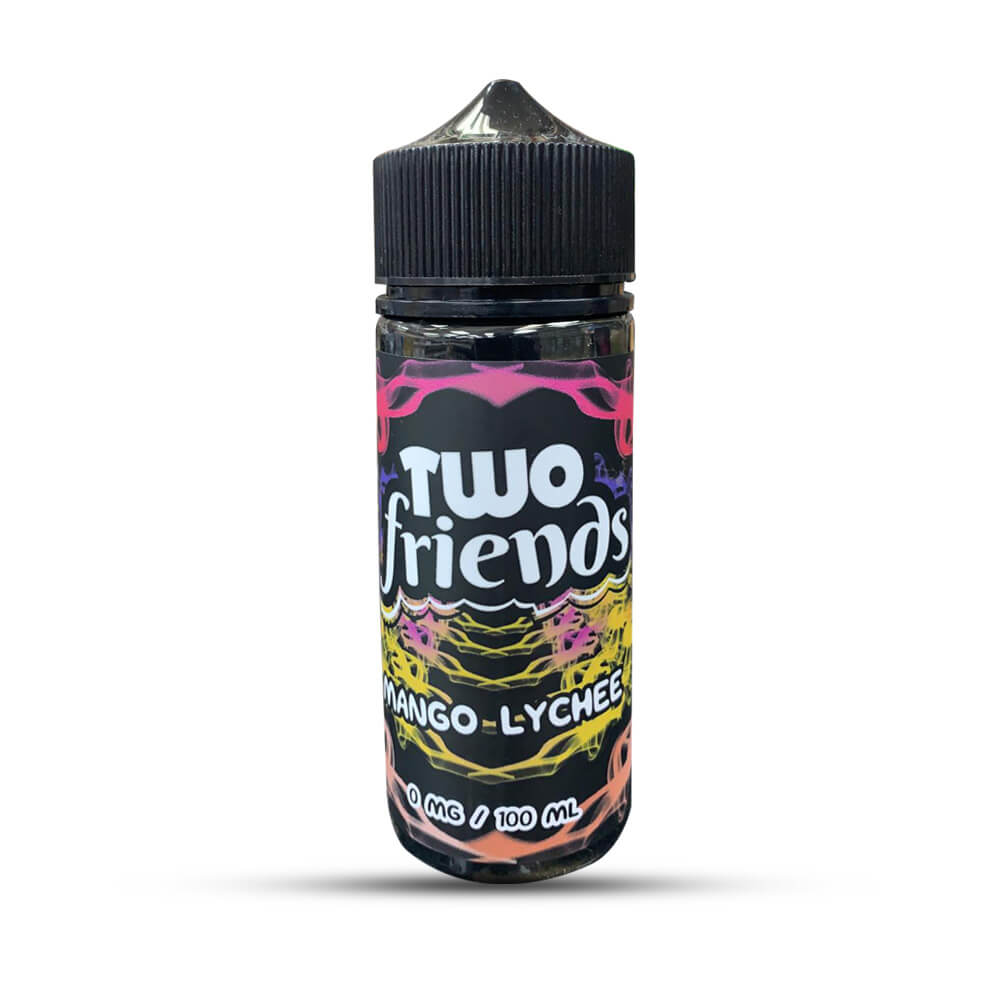 Mango Lychee 100ml Shortfill by Two Friends