Menu
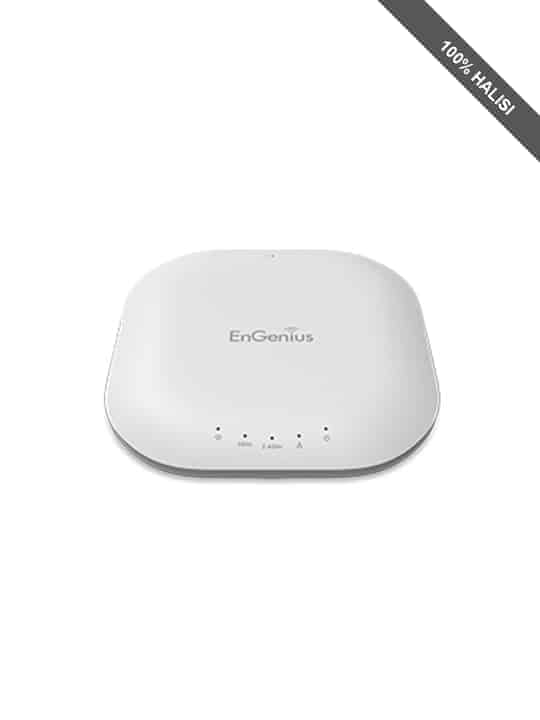
EnGenius Dual-Band Wireless Indoor Access Point
$ 96.84
RF: 2.4 and 5 GHz Frequency Bands Standard: IEEE 802.11a/b/g/n Radio I: 11b/g/n: 2.412~2.484 GHz Radio II: 11a/n: 5.18-5.24 and 5.26-5.32 and 5.5-5.7 and 5.745-5.825 GHz Data Rate: Up to 300 Mbps in both frequency bands Memory: 64MB Flash Memory: 16MB Antenna: Four (4) Internal 5 dBi Omni-Directional Antennas Physical Interface: 1 x RJ-45 Gigabit Ethernet (10/100/1000 Mbps) – PoE capable 1 x Reset Button 1 x Power Connector Power Supply: 100 to 240 VDC ± 10%, 50/60 Hz (depends on different countries) Active Ethernet (Power-over-Ethernet, IEEE 802.3at/af) Power Adapter (United States) 48VDC/0.375A Device: 12V/2A OFDM: BPSK, QPSK, 26-OAM, 64-QAM, DBPSK, DQPSK, CCK Operating Channels: 2.4 GHz: US/Canada 1-11 5 GHz: Country dependent for the following ranges: 36, 40, 44, 48, 52, 56, 60, 64, 100, 104, 108, 112, 116, 120, 124, 128, 132, 136, 140, 149, 153, 157, 161, 165 Operation Modes: Access Point Multiple BSSID: Supports up to 8 BSSIDs per radio LAN: IP (check validity and DHCP server IP range) MAC SSID-to-VLAN Tagging: Supports 802.1q SSID-to-VLAN tagging Spanning Tree: Supports 802.1d Spanning Tree Protocol Wireless Mode: 11a/11b/11g/11n Channel selection (settings vary by country) Channel bandwidth (Auto, 20 MHz, 40 MHz) QoS: WMM (Wireless Multimedia) Wireless Management Features (with Neutron Series Switch): Access Point Auto Discovery and Provisioning Access Point Auto IP Assignment Access Point Cluster Management Remote Access Point Rebooting Access Point Device Name Editing Access Point Radio Settings Band Steering Traffic Shaping Fast Handover Seamless Roaming (requires RADIUS server) Access Point Client Limiting Wireless Security (WEP, WPA/WPA2 Enterprise, WPA/WPA2 PSK) VLANs for Access Point- Multiple SSIDs Guest Network Access Point Status Monitoring Wireless Client Monitoring Wireless Traffic & Usage Statistics Visual Topology View Floor Plan View Map View Secure Control Messaging SSL Certificate Local MAC Address Database Remote MAC Address Database (RADIUS) Unified Configuration Import / Export Bulk Firmware Upgrade Capability Intelligent Diagnostics Tx Power Control: Adjust transmit power by dBm Configuration: Web-based configuration (http) Firmware Upgrade: Via web browser, settings are reserved after upgrade Administrator Setting: Administrator Username and Password Change Reset Setting: Reboot (press and hold for 2 seconds). Reset to factory default (press and hold for 10 seconds) System Monitoring: Status Statistic and Event Log SNMP: V1, V2c, V3 MIB: MIB I, MIB II (RFC1213) and private MIB Traffic Shaping: Incoming and outgoing wireless traffic shaping Auto-channel Selection: Automatically selecting least congested channel Bandwidth Measurement: IP range and bandwidth management Auto Reboot: Reboot Access Point by minute, hour, day, or week Backup and Restore: Save and restore settings through Web interface CLI: Supports Command Line Interface Diagnosis: IP pinging statistics Log: SysLog and Local Log support LED Control: On/Off AP Detection: Scanning for available EnGenius APs Wireless Security: WPA/WPA2 Personal (WPA-PSK using TKIP or AES) WPA/WPA2 Enterprise (WPA-EAP using TKIP) 802.1X RADIUS Authenticator: MD5/TLS/TTLS, PEAP SSID broadcast enable/disable MAC Address Filtering, Up to 50 field L2 Isolation (Access Point mode) QoS: (Quality of Service) WMM (Wireless Multimedia) Temperature Range: Operating: 0 to 50ºC (32º to 122ºF) Operating humidity: 0 to 90º Storage temperature: -20ºC to 60ºC (-4Fº to 140ºF) Humidity (non-condensing): Operating: 90% or less Certifications: FCC, IC Weight: 363 g. Diameter: 16.5cm Height: 4.2cm Package Contents: EWS310AP Dual Band N600 Indoor Access Point 12V/2A Power Adapter T-Rail Mounting Kit Ceiling Mount and Wall Screw Kit Mounting Bracket RJ-45 Ethernet Cable Quick Installation Guide
Related products
-
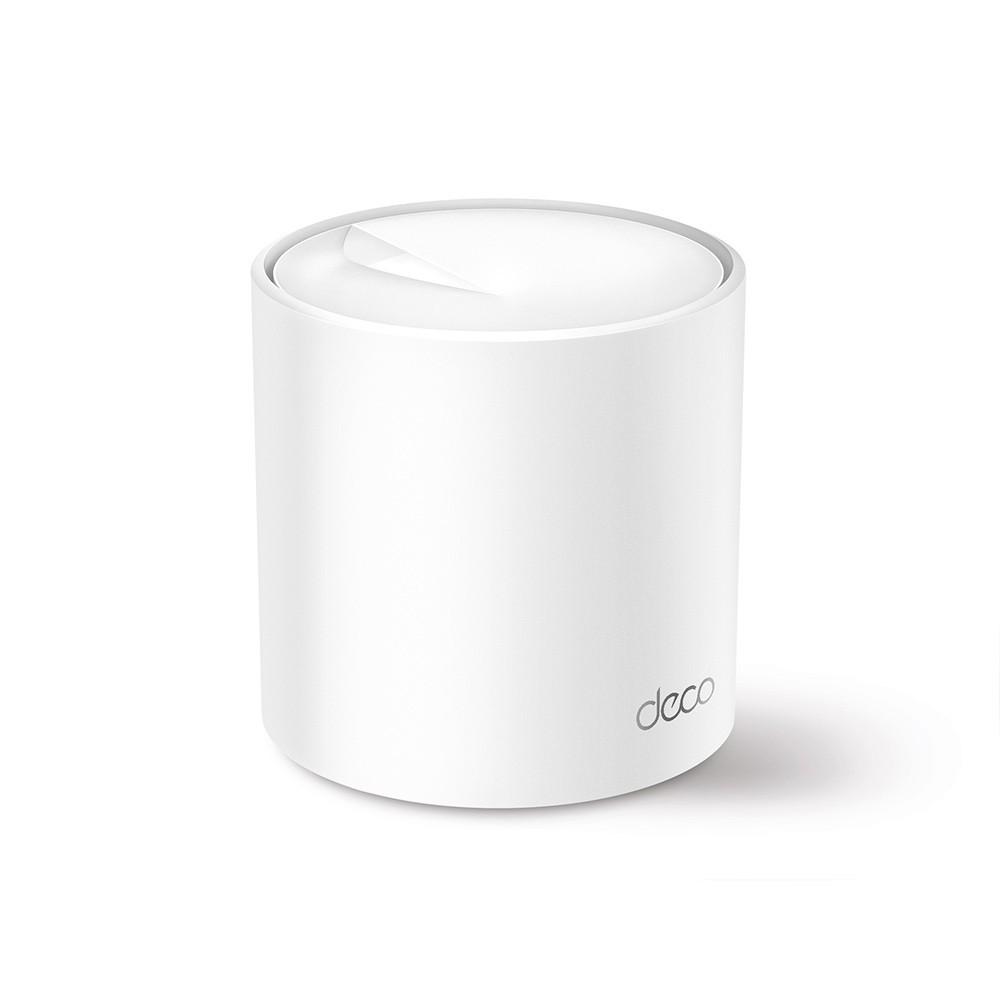 TP-LINK Deco X50 AX3000 Whole Home Mesh WiFi 6 System (1pack) (DECO X50(1-PACK)) (TPDECOX50(1-PACK))Select options
 -
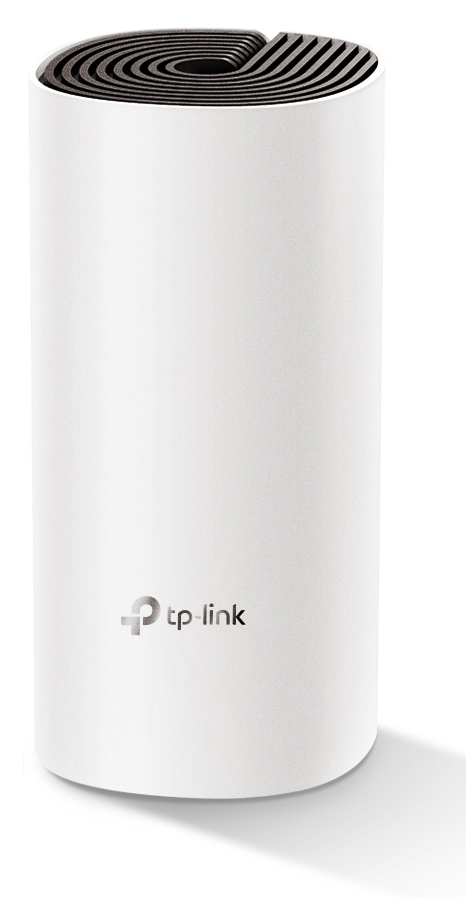 TP-LINK Home Mesh Wi-Fi System DECO E4, AC1200, Ver. 2.0 DECO-E4Select options
 -
 TP-LINK AX1800 Gigabit Dual-Band Wi-Fi 6 Access Point (TL-WA1801) (TPTL-WA1801)Select options
 -
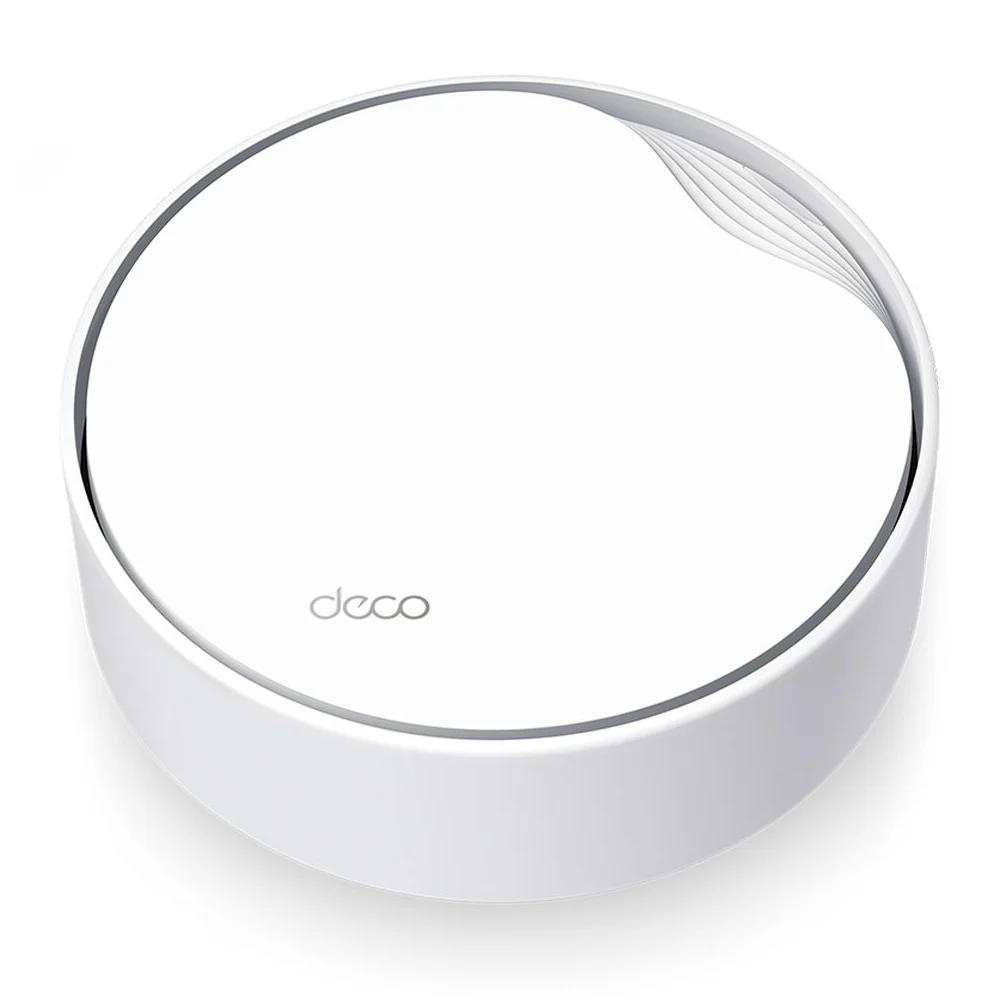 TP-Link AX3000 Whole Home Mesh Wi-Fi 6 System with PoE (DECO X50-POE(1-PACK)) (TPDECOX50-POE1-PACK)Select options